Back to all tools
Editing Essentials
Face Blur
Privacy blur
Blur Strength
25LightHeavy
Drop image with faces
Auto-detects and blurs all faces for privacy
About the Face Blur tool
Face Blur is one of our editing essentials, designed to privacy blur quickly so your photo looks its best before you share it.
Examples
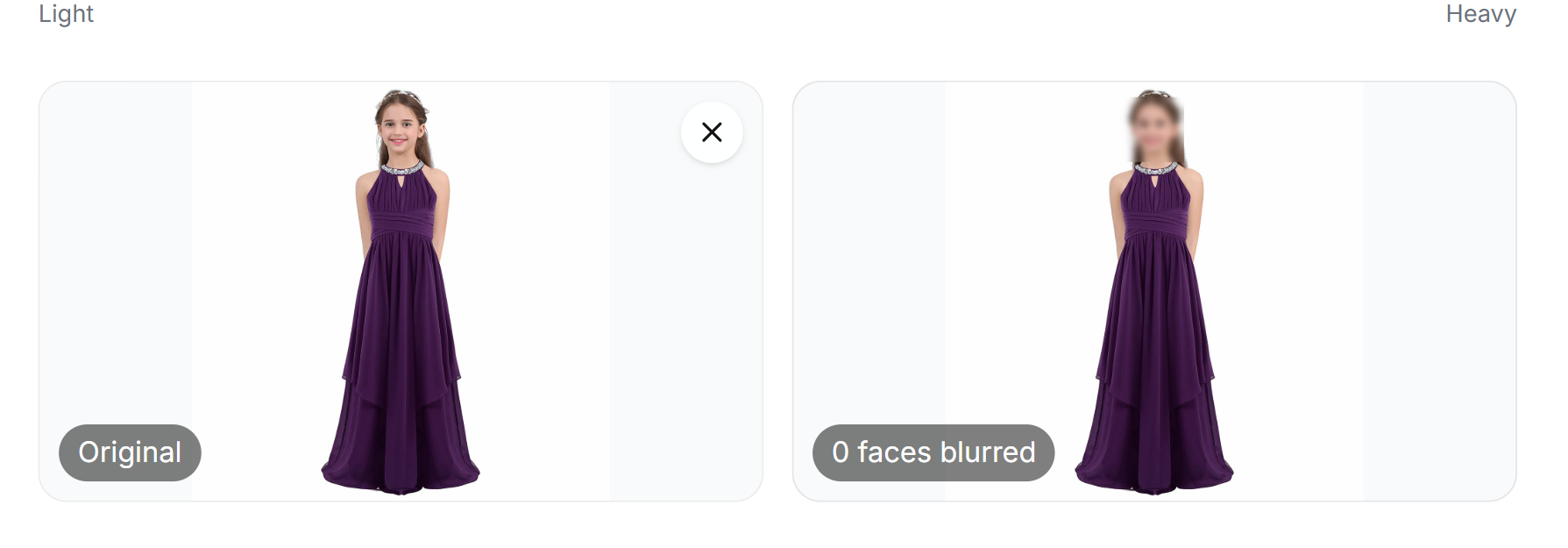
How to use the Face Blur tool
- 1Open the Face Blur tool page and click the upload area, or drag your image directly onto it.
- 2Choose a JPG, PNG, or WebP file up to 20MB. Your image loads instantly into the preview panel.
- 3The tool processes your image automatically. A progress indicator shows while the result is prepared.
- 4Review the result in the before and after preview, then click Download to save the finished file to your device.
Common ways to use Face Blur
- Fix common issues in phone photos before posting or printing
- Prepare a photo for a profile picture or an official document
- Improve image quality without learning complex editing software
Frequently asked questions
How long does Face Blur take?
Most images are processed within a few seconds, though larger files may take a little longer.
Will my photo lose quality?
Face Blur preserves the original resolution wherever possible, so your result stays sharp.