Back to all tools
Layout & Effects
Resize
Smart resize
800 × 600 px
Drag the corner to set target size, or type exact numbers below
Width (px)
Height (px)
Drop image to apply Smart Resize
About the Resize tool
Resize helps you smart resize, giving your images a new layout or look in a few clicks.
Examples
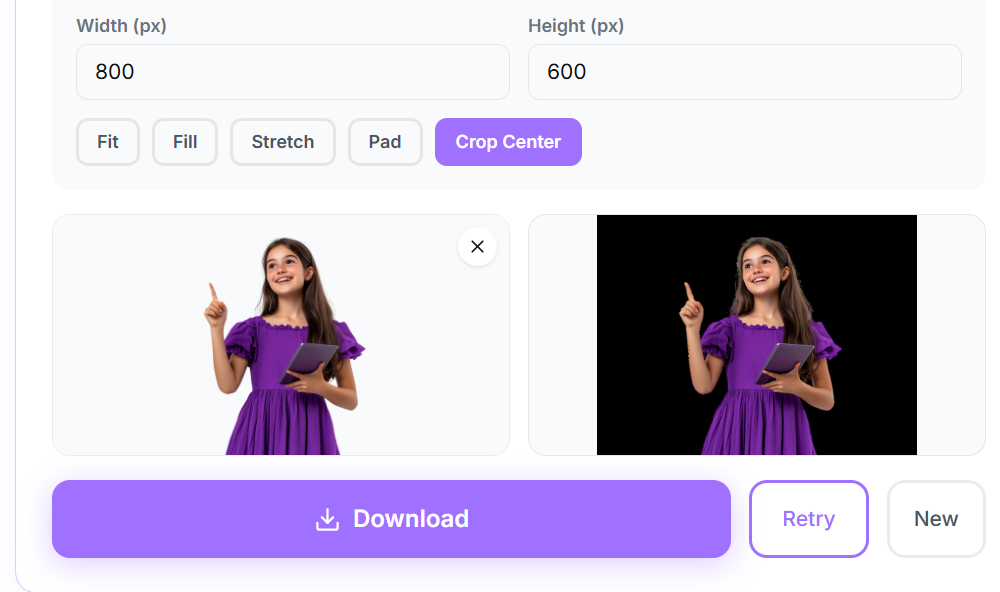
How to use the Resize tool
- 1Open the Resize tool page and click the upload area, or drag your image directly onto it.
- 2Choose a JPG, PNG, or WebP file up to 20MB. Your image loads instantly into the preview panel.
- 3The tool processes your image automatically. A progress indicator shows while the result is prepared.
- 4Review the result in the before and after preview, then click Download to save the finished file to your device.
Common ways to use Resize
- Combine multiple photos into one shareable image
- Add a creative touch to photos before posting on social media
- Prepare images for printing or a specific layout requirement
Frequently asked questions
Can I use Resize on my phone?
Yes, the tool works in any modern mobile or desktop browser.
What file formats are supported?
JPG, PNG, and WebP images up to 20MB are supported.